1 to 1 3D Artist Mentorship with an Industry Pro

How the next 10 Weeks will Kickstart your Freelance Art Career

Enroll Today

Who Am I?

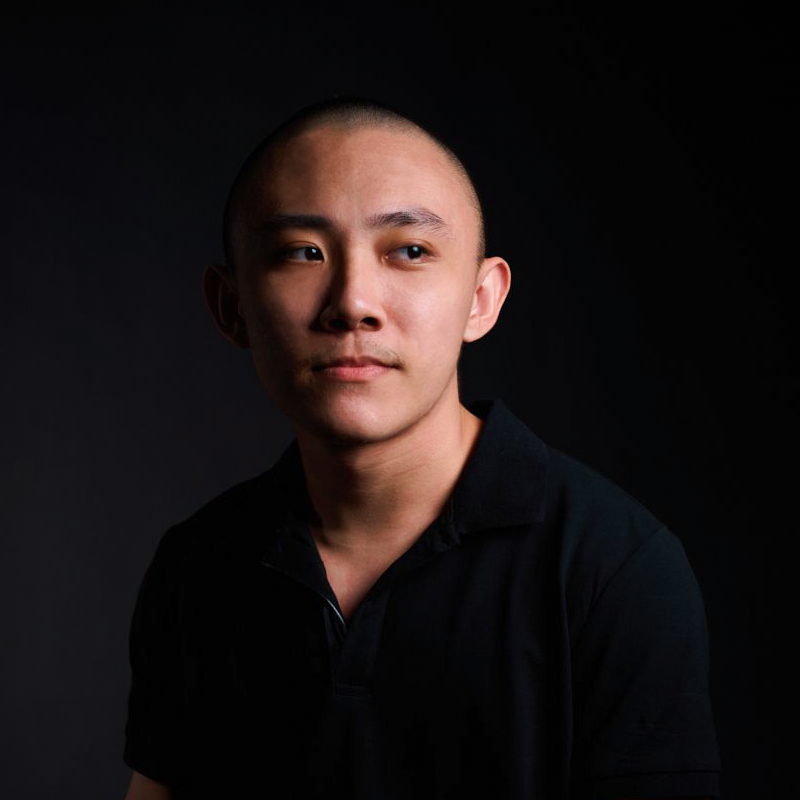
Ian Tan

I'm Ian Tan. I've been working in the CG Industry since 2019. I have worked in Games, VFX and Advertising with a variety of different clients.

The best thing is? I can work from my laptop anywhere in the world on a schedule of my choosing.

I want to teach you how to do the same.

Clients I have worked with / Titles I have worked on

Destiny Yamaha Honda GWM Seedify

What You'll Learn in 10 Weeks

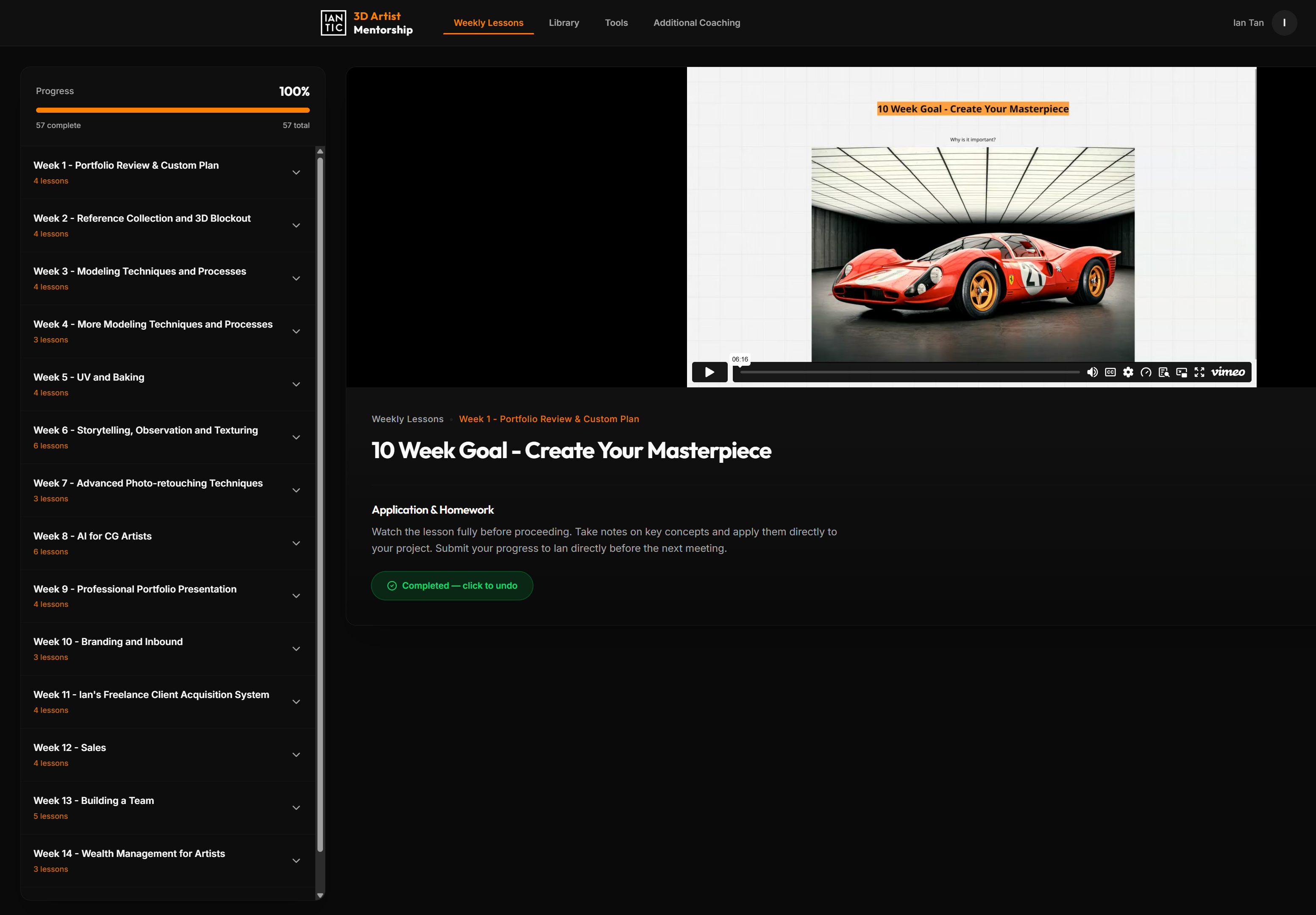
Week 1: Portfolio Review & Custom Plan

  • Tailored plan to break into the industry
  • How to live in your very own Custom Made Reality
  • The only Productivity Guide you will need

Week 2: Reference Collection and 3D Blockout

  • How to go about collecting detailed references
  • Professional Observation Skills
  • How to do a 3D Blockout

Week 3: Modeling Techniques and Processes

  • Subdivision Modeling Basics
  • Continuing the 3D Blockout

Week 4: More Modeling Techniques and Processes

  • Subdivision Modeling Techniques
  • Games Modeling Techniques
  • Getting used to fast-paced CG Production Cycles

Week 5: UV and Baking

  • Production ready UV techniques
  • Production ready Baking techniques
  • Introduction: Creating Realistic Textures and Materials

Week 6: Storytelling, Observation and Texturing

  • Surfacing observation skills
  • How to think about asset narrative
  • Creating Realistic Textures and Materials

Week 7: Advanced Photo-retouching Techniques

  • Backplate integration
  • Retouching process
  • Advanced Photoshop Techniques

Week 8: AI for CG Artists

  • Image Generation prompting
  • Video Generation prompting
  • AI Generated 3D Assets

Week 9: Professional Portfolio Presentation

  • Lighting Fundamentals
  • Optimizing social profiles (Artstation, Linkedin, Instagram)

Week 10: Ian's Freelance Success System

  • Systemizing Client Acquisition
  • How I brought in $20K USD a month as a freelance artist

What You Will Gain Access To

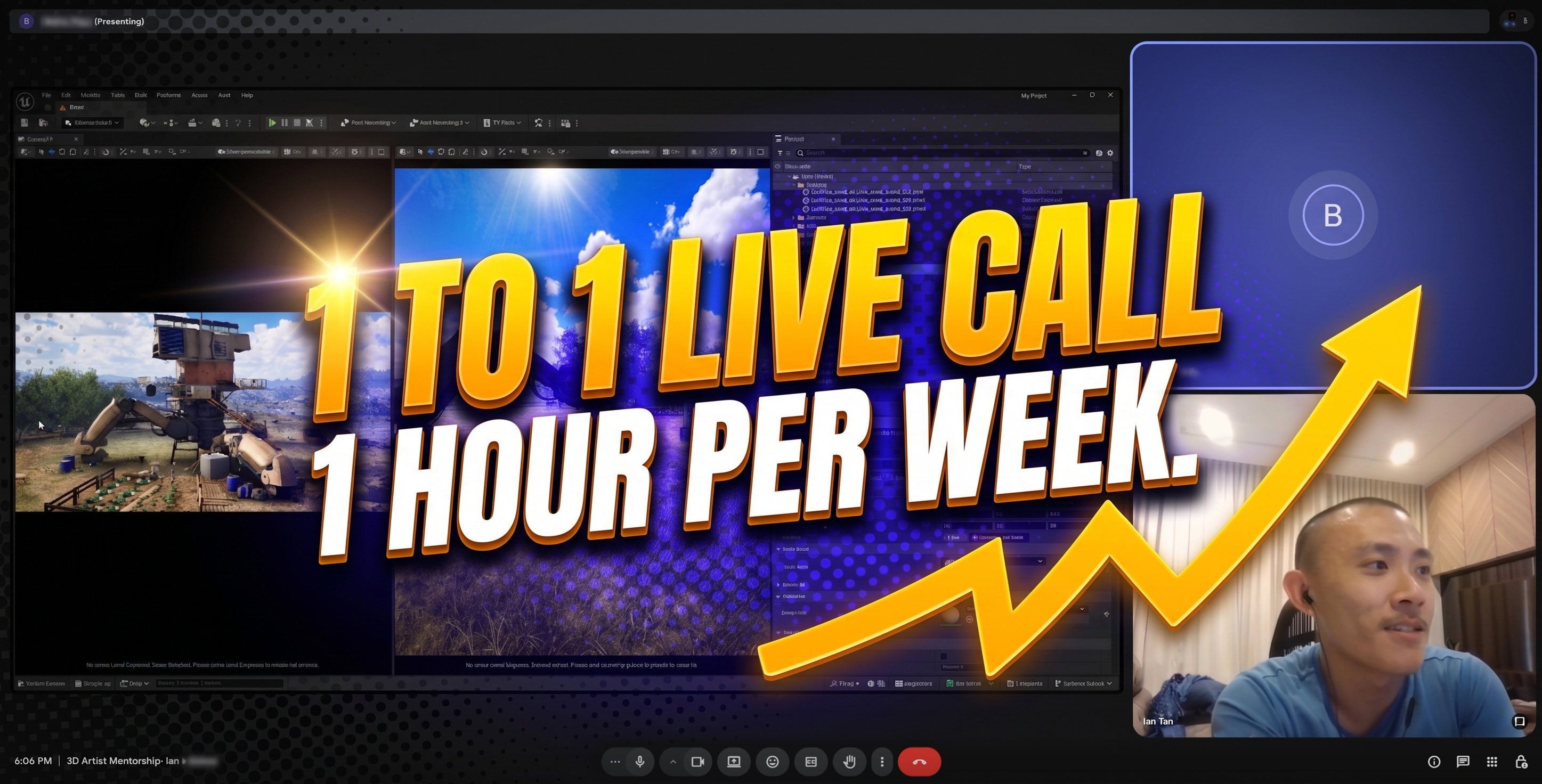
1 to 1 live call, 1 hour per week. I will go over all feedback on your homework where you can ask me any question you like and also present a live lesson. This call will be recorded and sent to you.

Weekly Video Lessons (lifetime access)

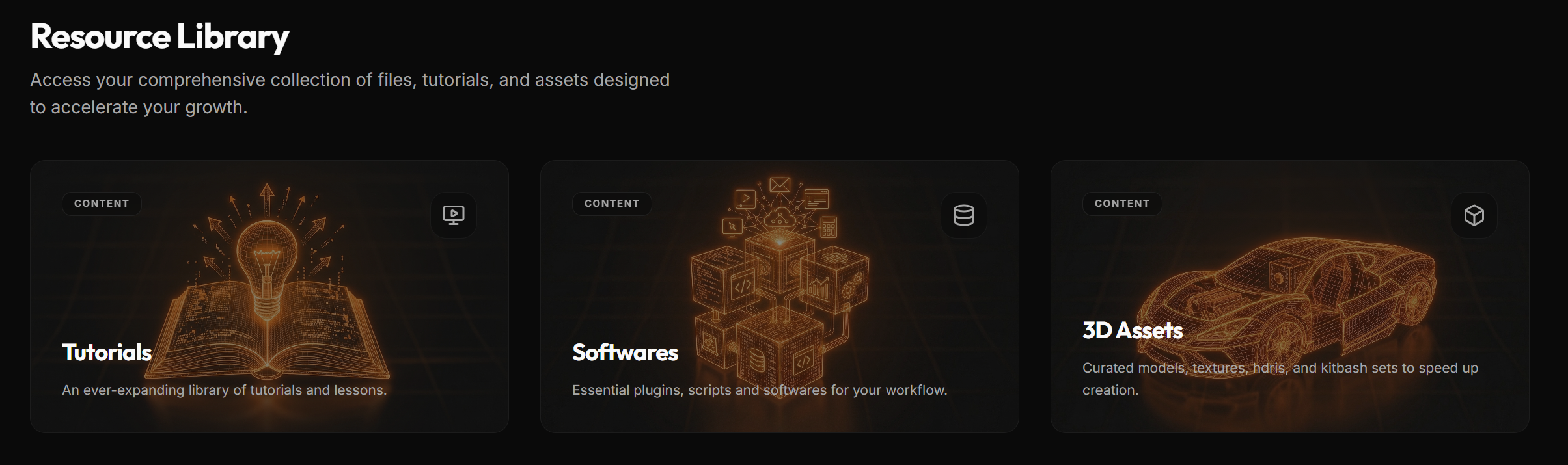
The Library: Tutorials, 3D assets that I have accumulated over years of being in the industry and developing my skills.

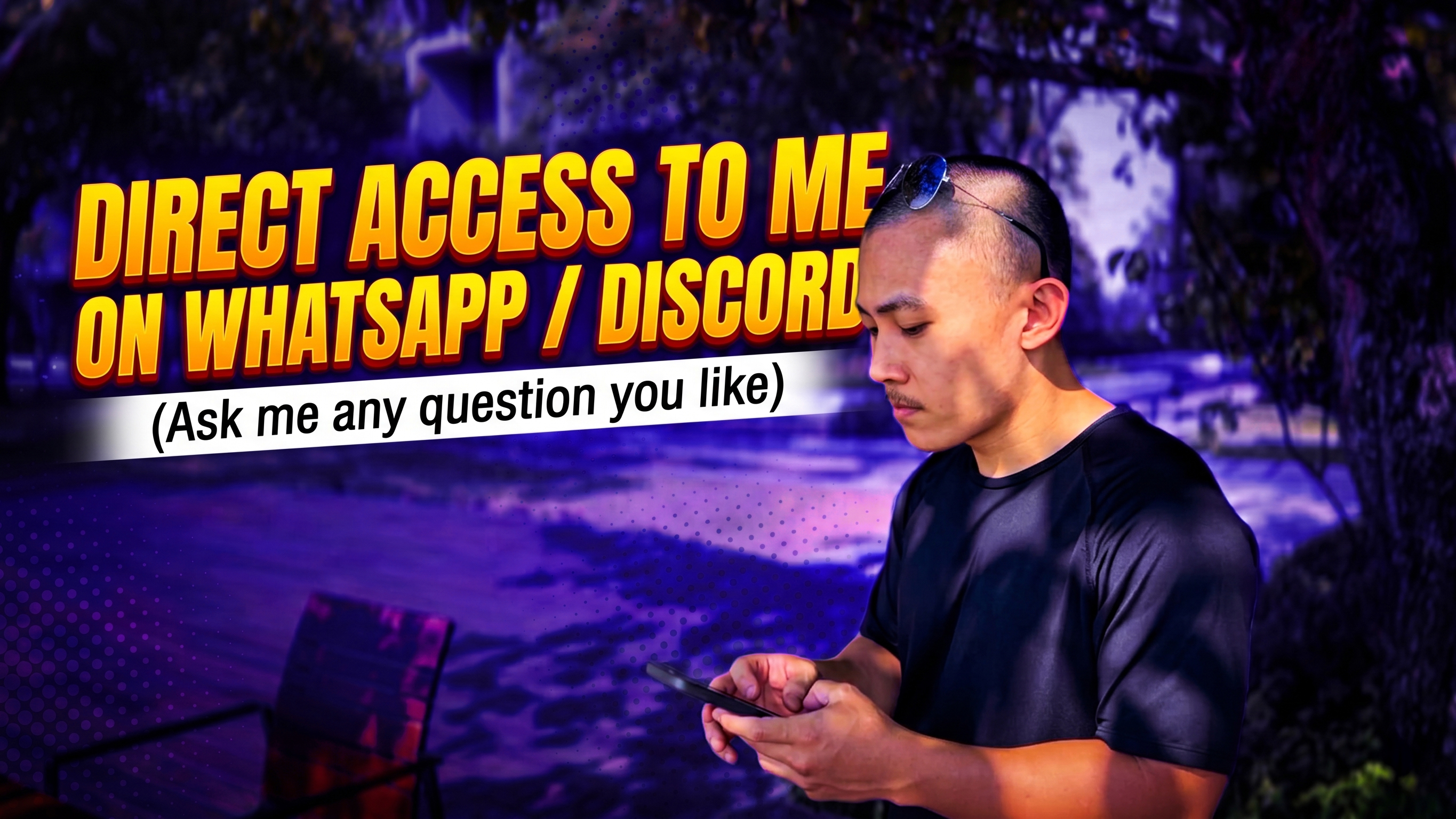
Direct access to me via my mobile phone for 10 weeks, where you can ask me any question you like.

Student Results

Ivan landed publications on websites like 80 level and Games Artist UK and got a role as a Freelance Character Artist working on Character Assets for AAA games after applying my Client Outreach methods.
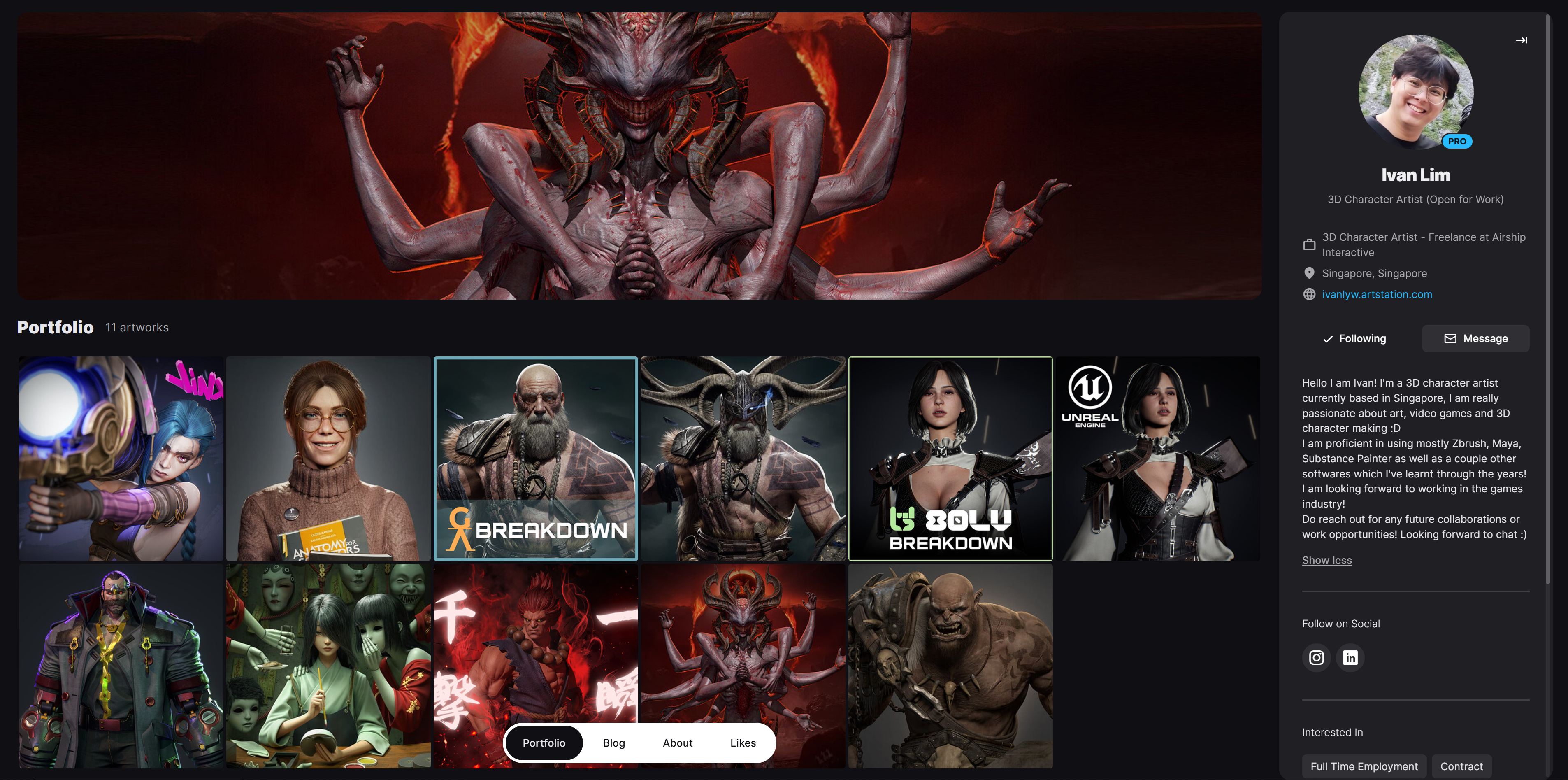
Ivan's Artstation Portfolio

What My Students Are Saying

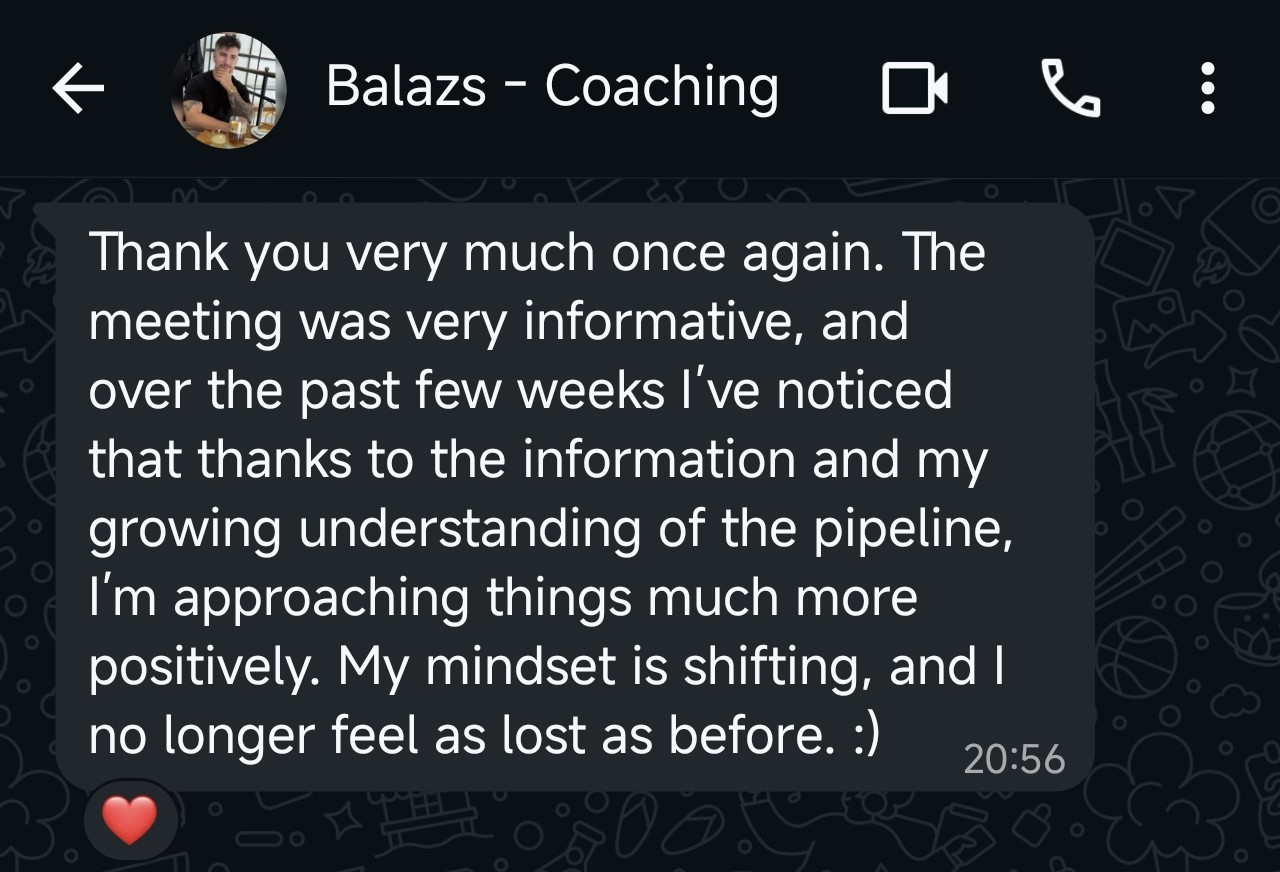
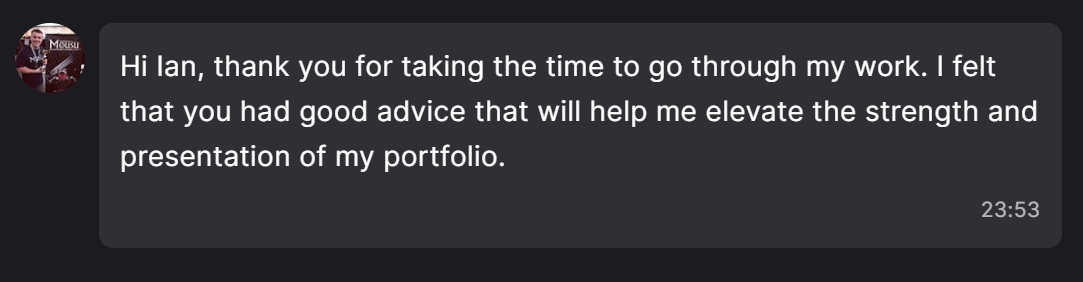
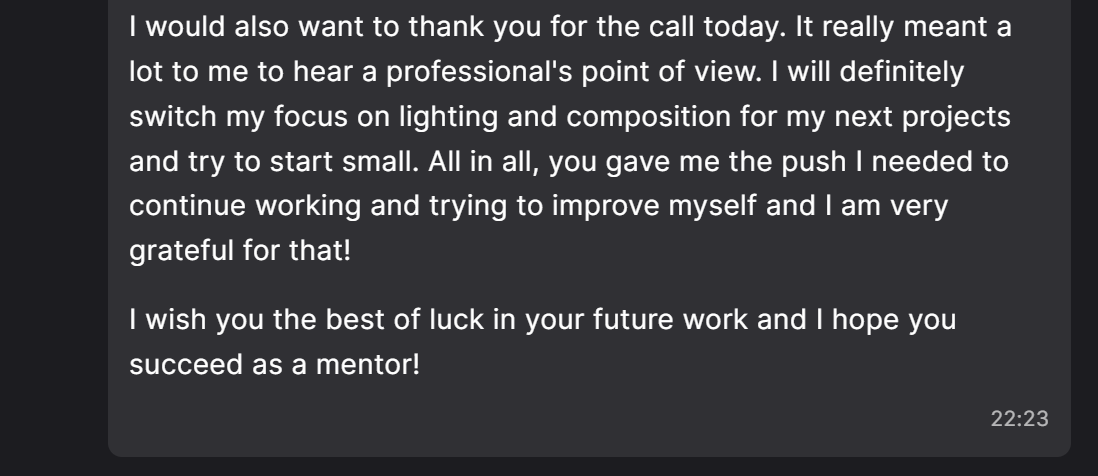
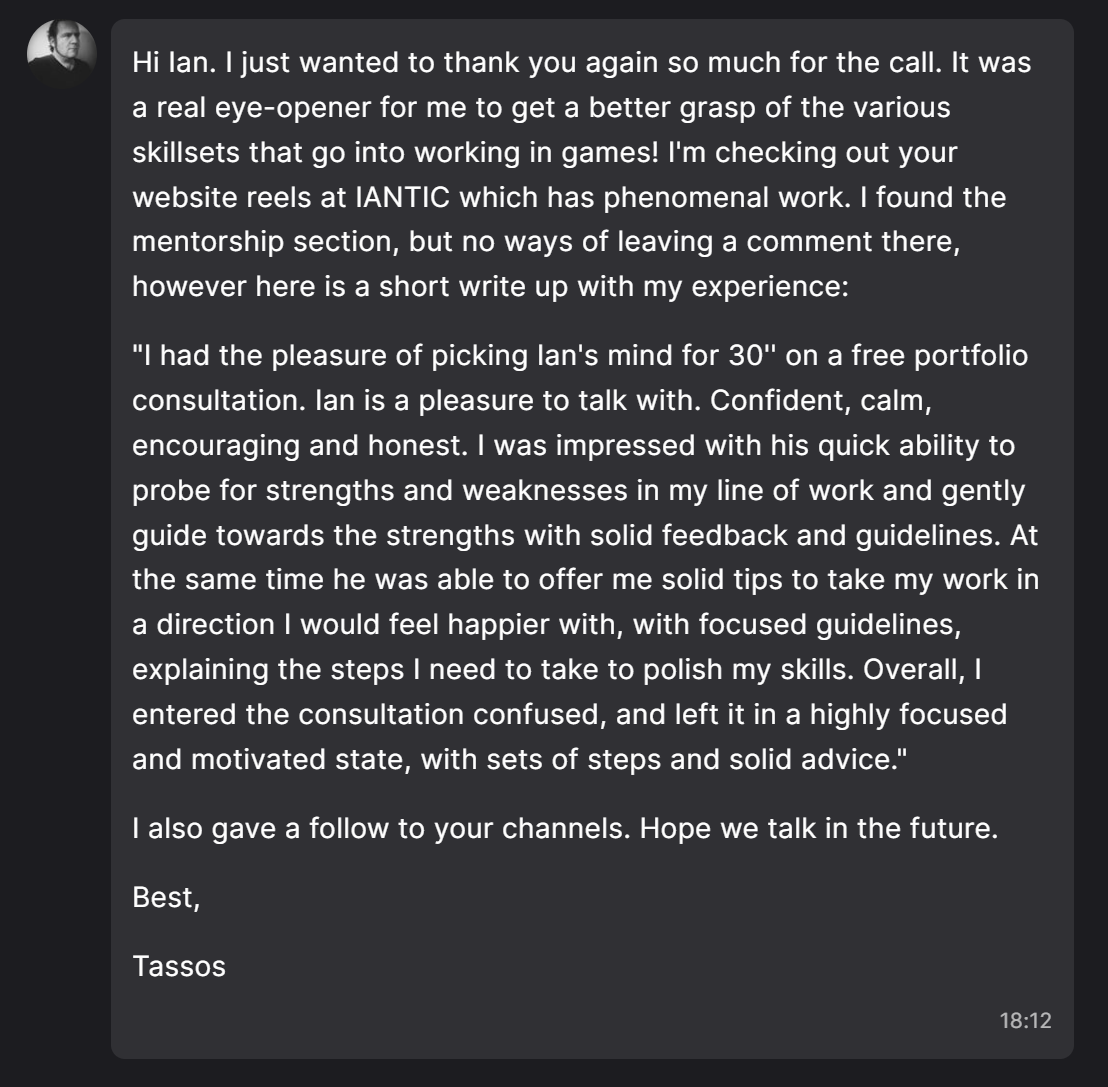
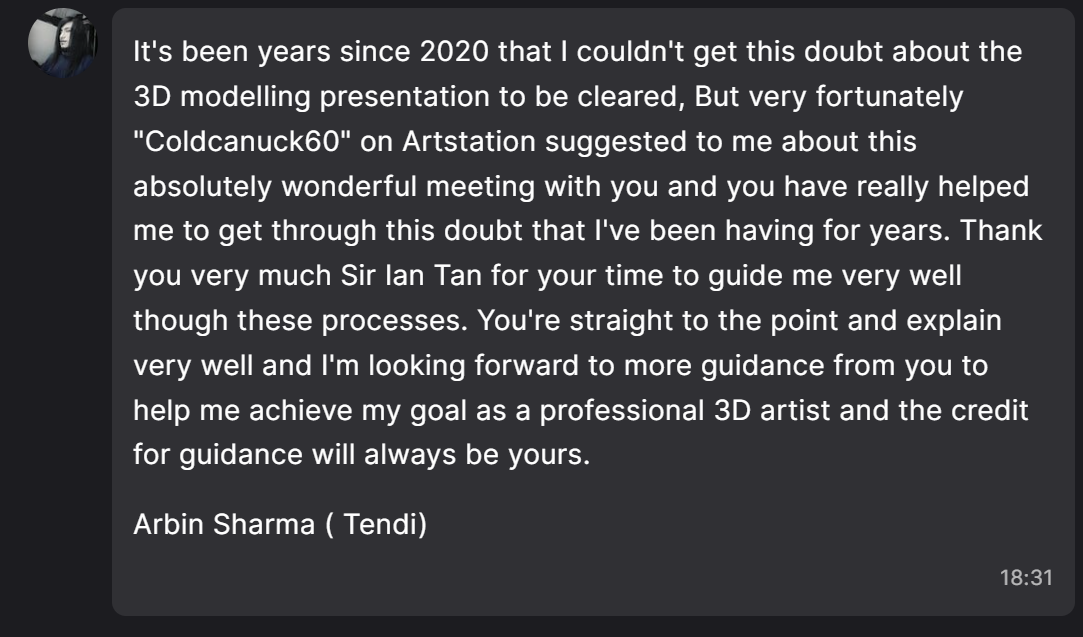
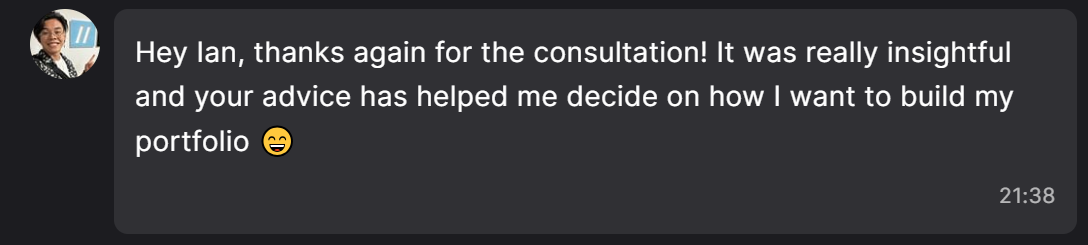
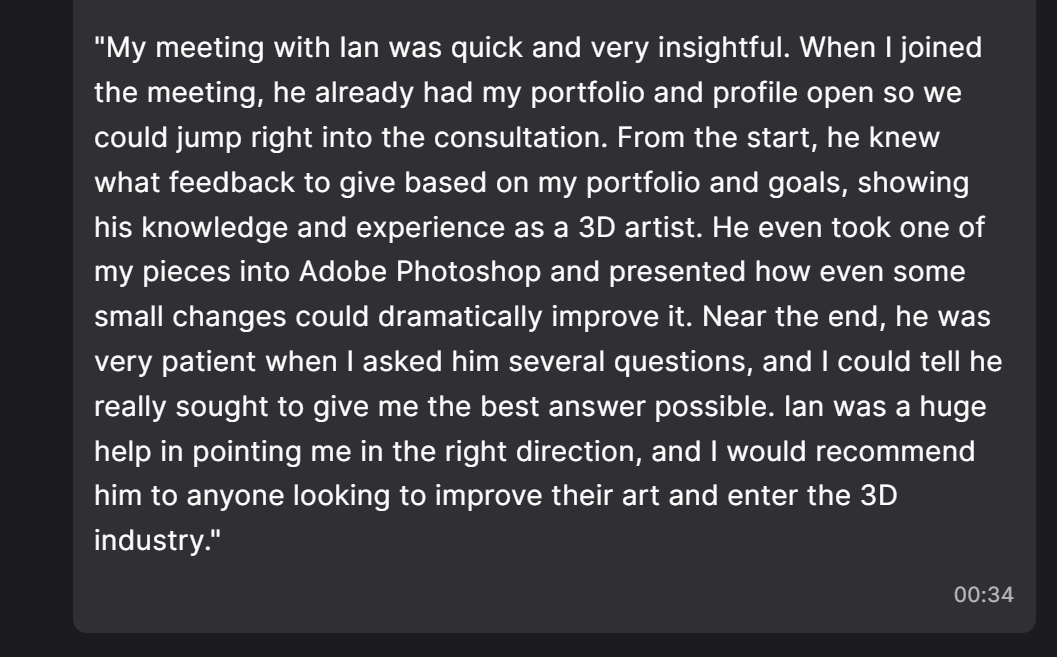
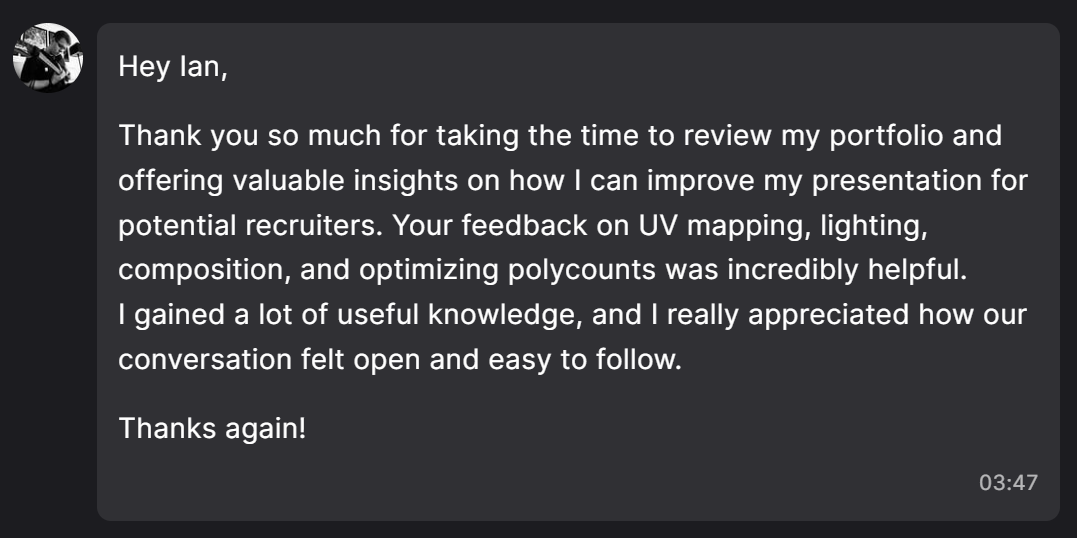
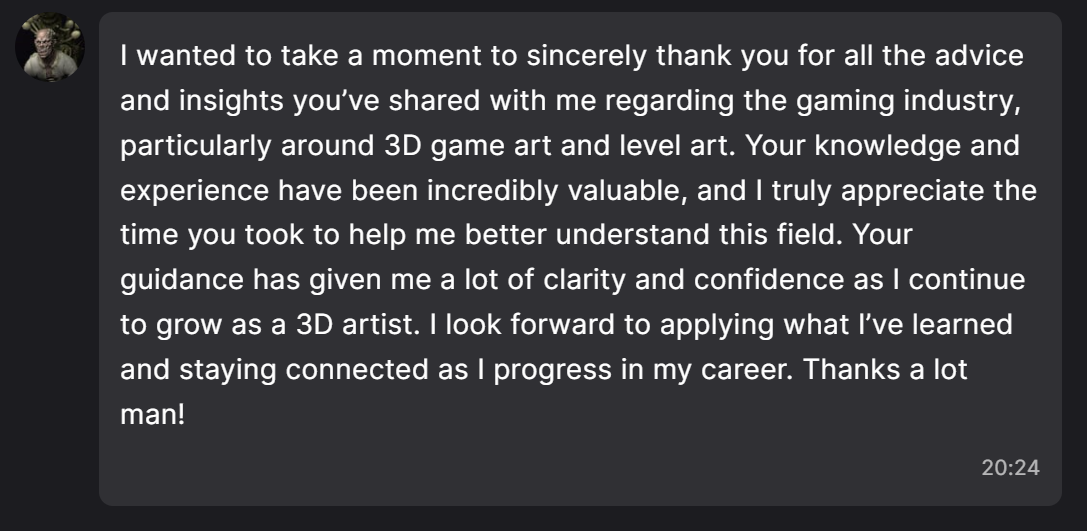
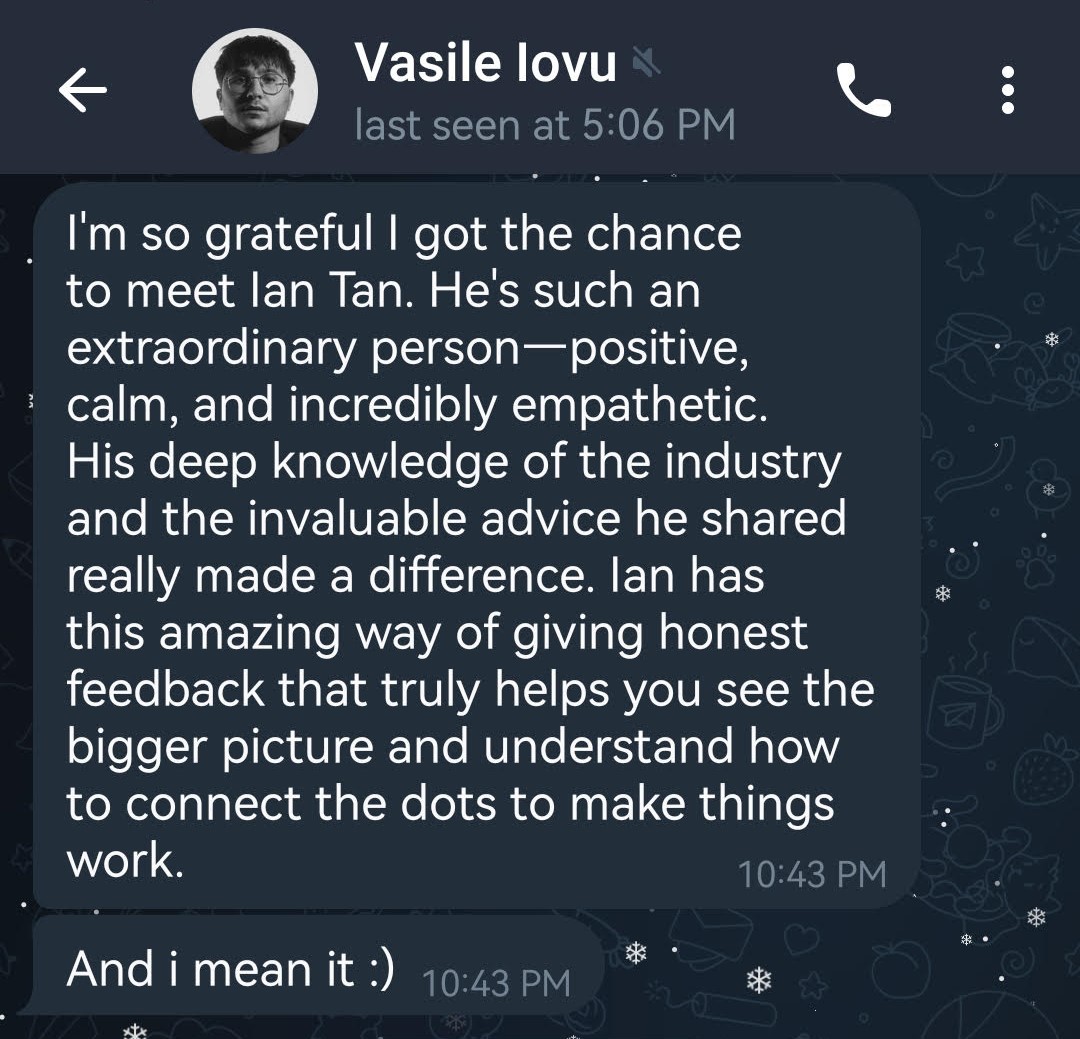
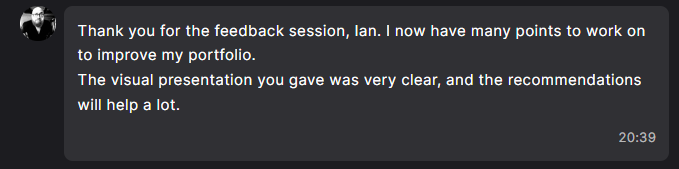
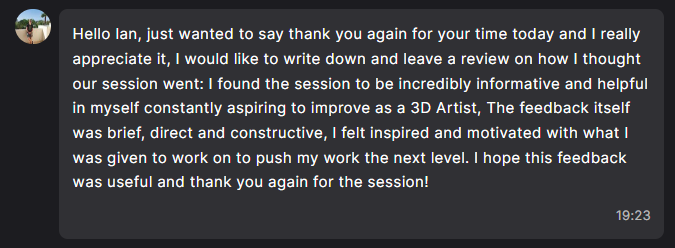
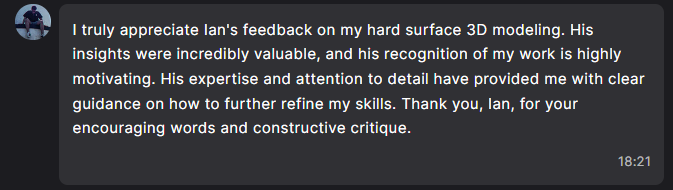
Student testimonial Student testimonial Student testimonial Student testimonial Student testimonial Student testimonial Student testimonial Student testimonial Student testimonial Student testimonial Student testimonial Student testimonial Student testimonial Student testimonial Student testimonial Student testimonial Student testimonial

Frequently Asked Questions

The program cost is too high, I can't afford it:

If the full payment is difficult for you, I offer split payment plans as well of $650USD upfront and $650 USD in 5 weeks time or $433USD upfront and then $433USD, 4 and 8 weeks later. This helps a lot of students that I work with.

Am I good enough to join?

This mentorship is designed for beginner to advanced artists. No matter what level you are at, I will tailor the curriculum to your current skills and goals.

How much time is needed per week?

Plan for at least 10-15 hours per week including our session time and homework assignments to get the most out of the program. Most of my students work full-time jobs, and find time aside after work and on the weekends to work on assignments.

How are the 1 on 1 sessions conducted?

Sessions are conducted via video call where we can share screens, review your work in real-time, and work through challenges together.

What software will we be using?

We'll be primarily working with industry-standard software including Maya, 3ds Max, Zbrush, Blender and Substance Painter. If you don't use my specific set of tools, not to worry, everything can be tailored to your goals.

Is there a refund policy?

Please contact me directly to discuss any concerns. I want to ensure this mentorship is the right fit for you.

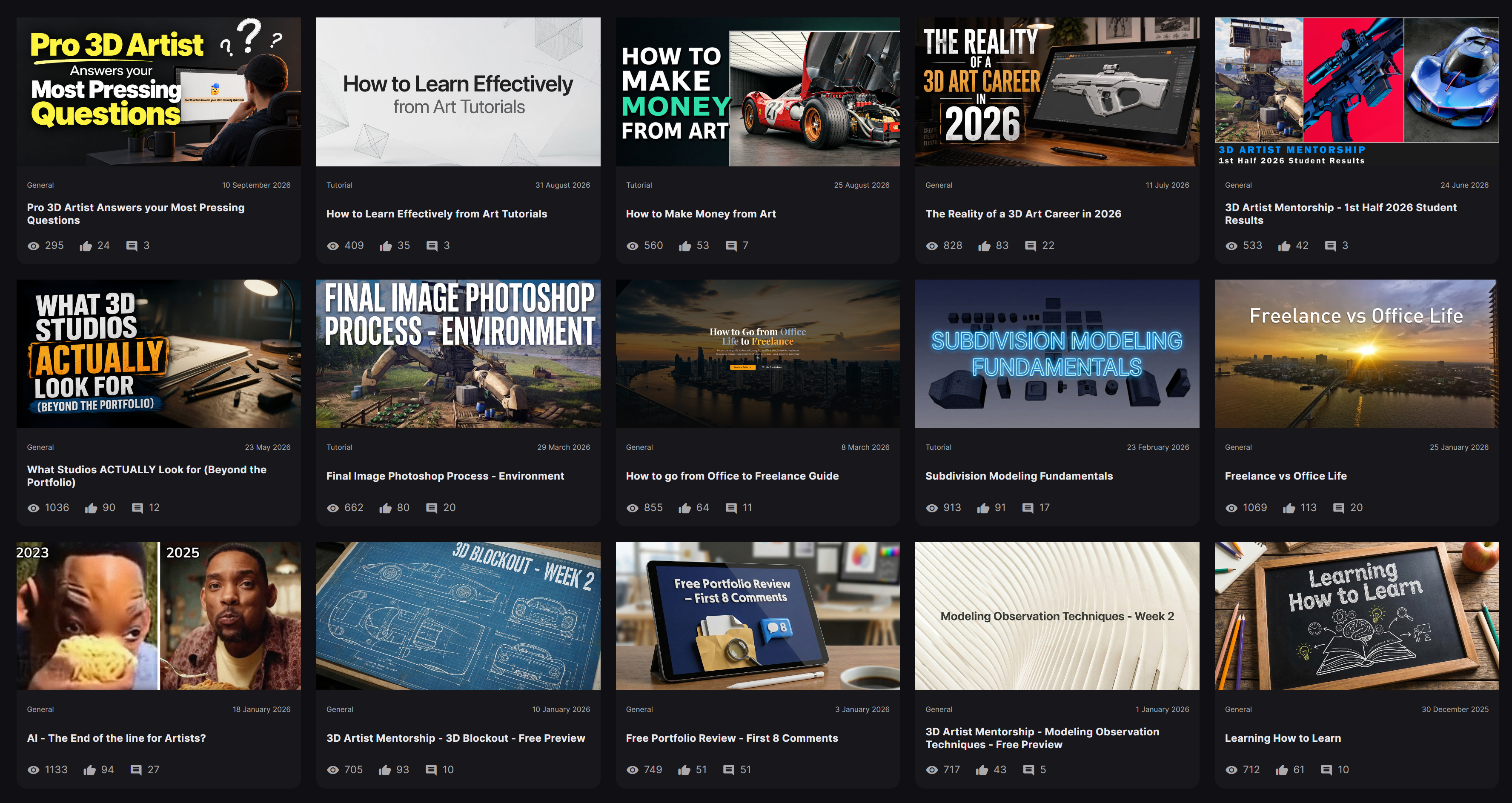
Free Educational Resources

Artstation Blog
Enroll Today